Hello, everyone. This is Okubo, a product planner and developer.
On October 21st, we released firmware updates for the GR IV, GR III, and GR IIIx, as well as an update for the dedicated GR app, “GR WORLD.” Since the contents of each update differ, please check the product pages and other resources for details.
Today, I would like to guide you through the new firmware version 2.0.0 for the GR series dedicated app, “GR WORLD.”
Starting from Ver. 2.0.0, we have launched new services that allow you to customize your GR in your own unique way and share settings among users.
- App data backup and restore
- Camera End Screen settings (End Screen Customization Service)
- Image Control sharing
Please refer to this link (Link) for more details.
To utilize these services, we have introduced the “RICOH GR ID.” It is a free-to-register user account for using GR WORLD services.
Among the new services we have introduced this time, I would like to share with you the End Screen Customization Service.
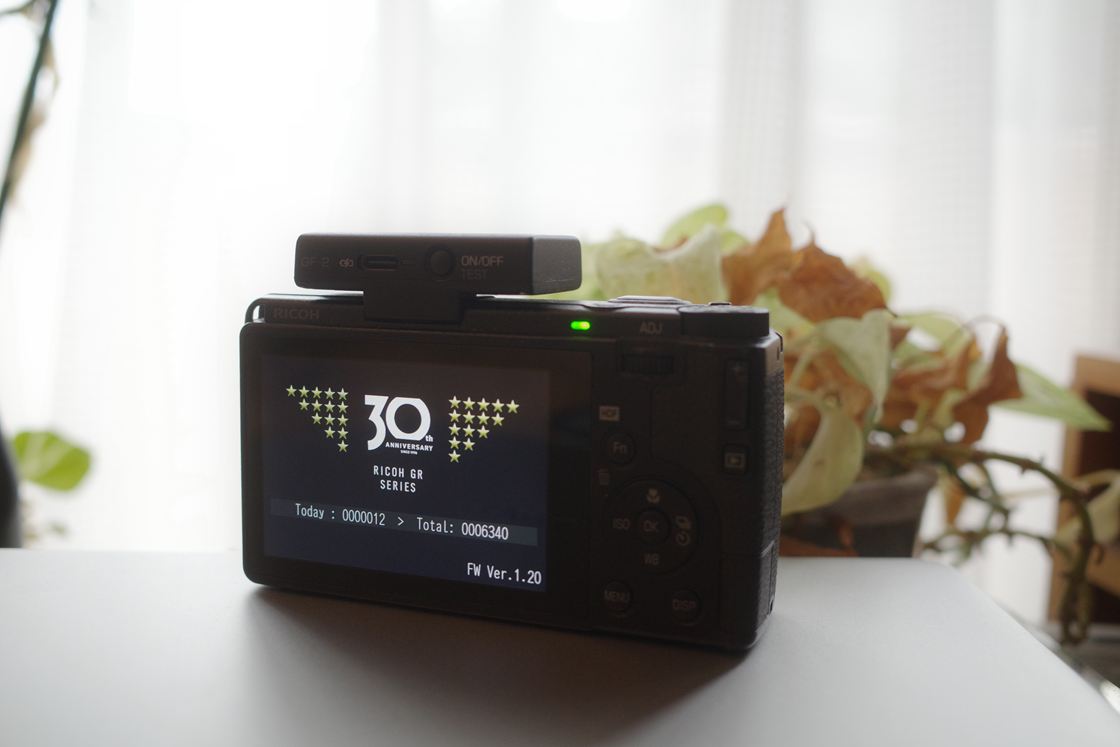
When you turn off the power of your GR, the End Screen is displayed on the LCD monitor. It appears for only a very brief moment. It doesn't change your photos, nor does it improve the operation. However, if you look closely, this screen contains the ‘current camera information,’ such as the number of shots taken on the day and the camera's firmware version.
In a way, this End Screen is a small touchpoint where you and the camera can communicate with each other every time you finish shooting. As we approach the 30th anniversary of the GR, we wondered if we could celebrate this 30th anniversary with GR users all over the world through this small touchpoint.
Out of that idea came the “End Screen Customization Service” using GR WORLD.
Note) To use this feature, you need to update GR WORLD to Ver. 2.0.0, register a RICOH GR ID, and log in. Also, please update your camera to the latest firmware.
When you connect the camera and GR WORLD via Bluetooth, you will be able to select the "Camera End Screen" setting, where you select the screen you wish to use and tap "Set to Camera," and it will connect to the camera via Wi-Fi and save the End Screen data.
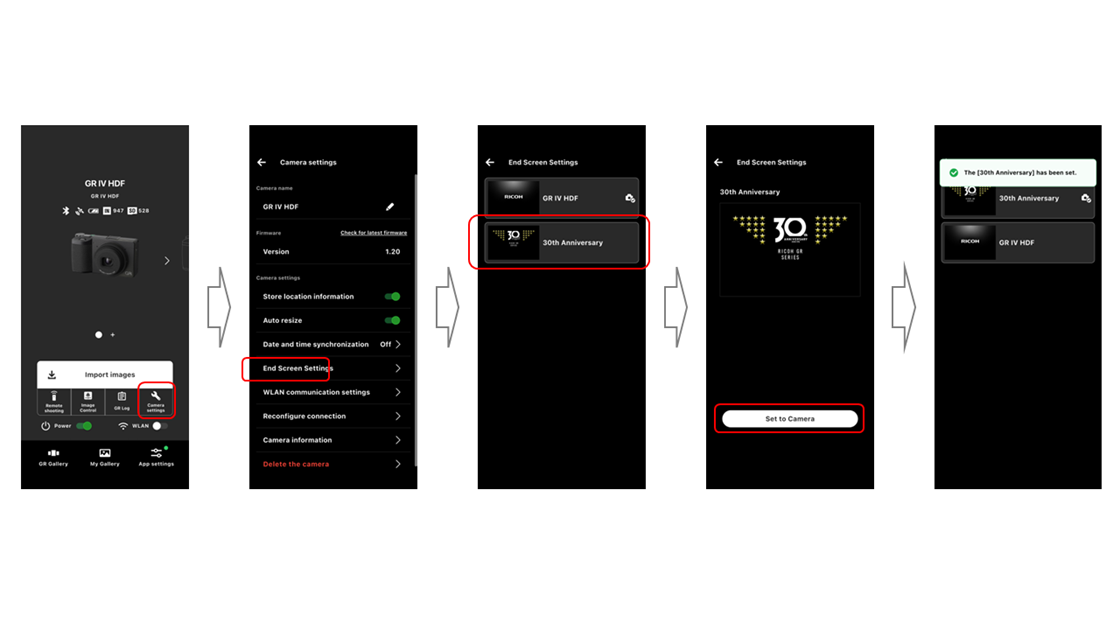
When you turn off the camera power after setting it up, the 30th Anniversary End Screen will be displayed in place of the usual screen. If you wish to revert to the original End Screen, you can set it up in the same way using GR WORLD. That is all you have to do.
Furthermore, this End Screen can be carried over to other GR IV series cameras. If you download this 30th Anniversary Camera End Screen to GR WORLD during the distribution period, you can continue to use it after the period. In the future, when you purchase a GR that supports this feature, you can use the same screen.
Note) By backing up your app settings, you can carry over your End Screens by restoring them when changing smartphone models.
Recently, I have been taking photos on the street with the GR IV Monochrome. I believe that accumulating these casual shots becomes the time spent with that camera.
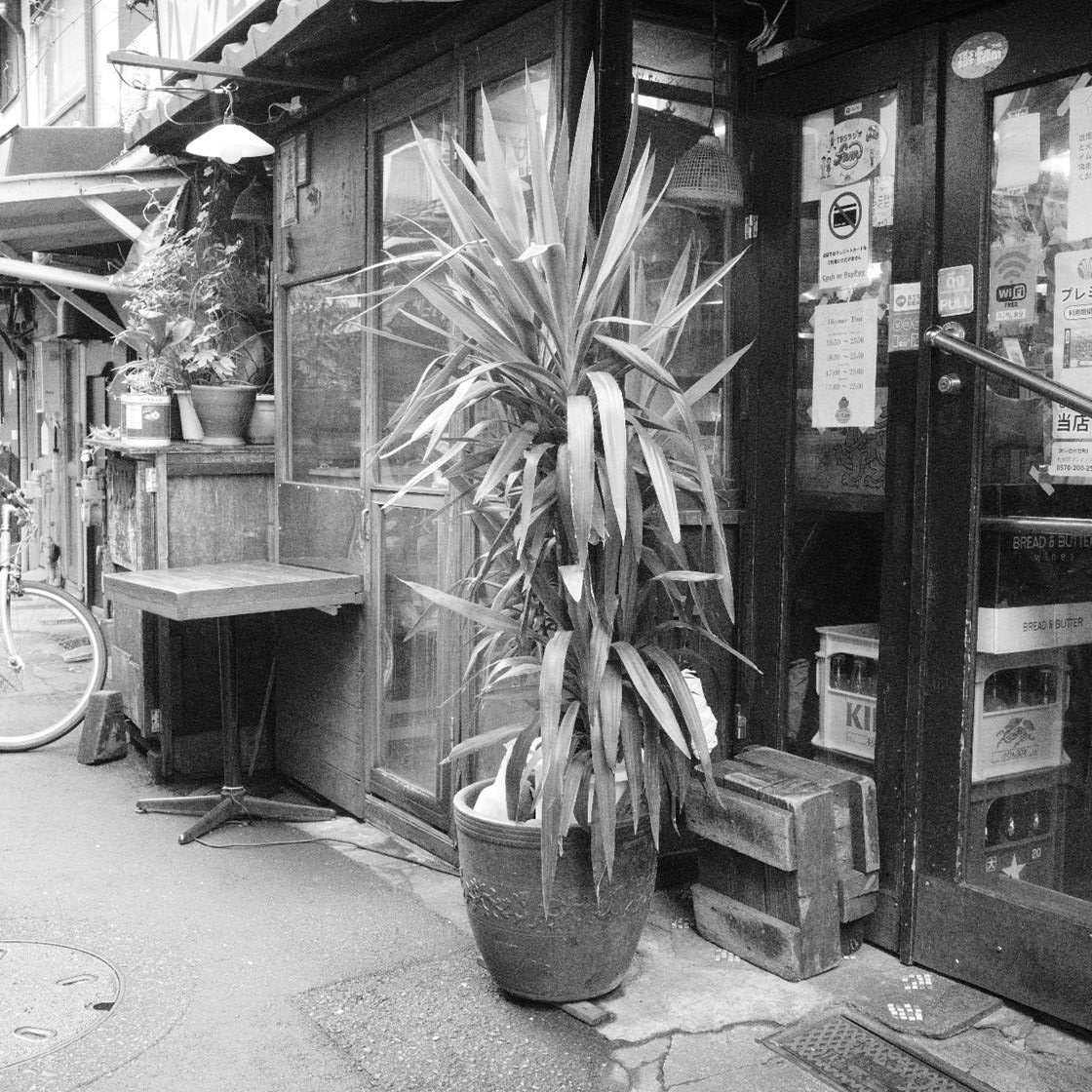
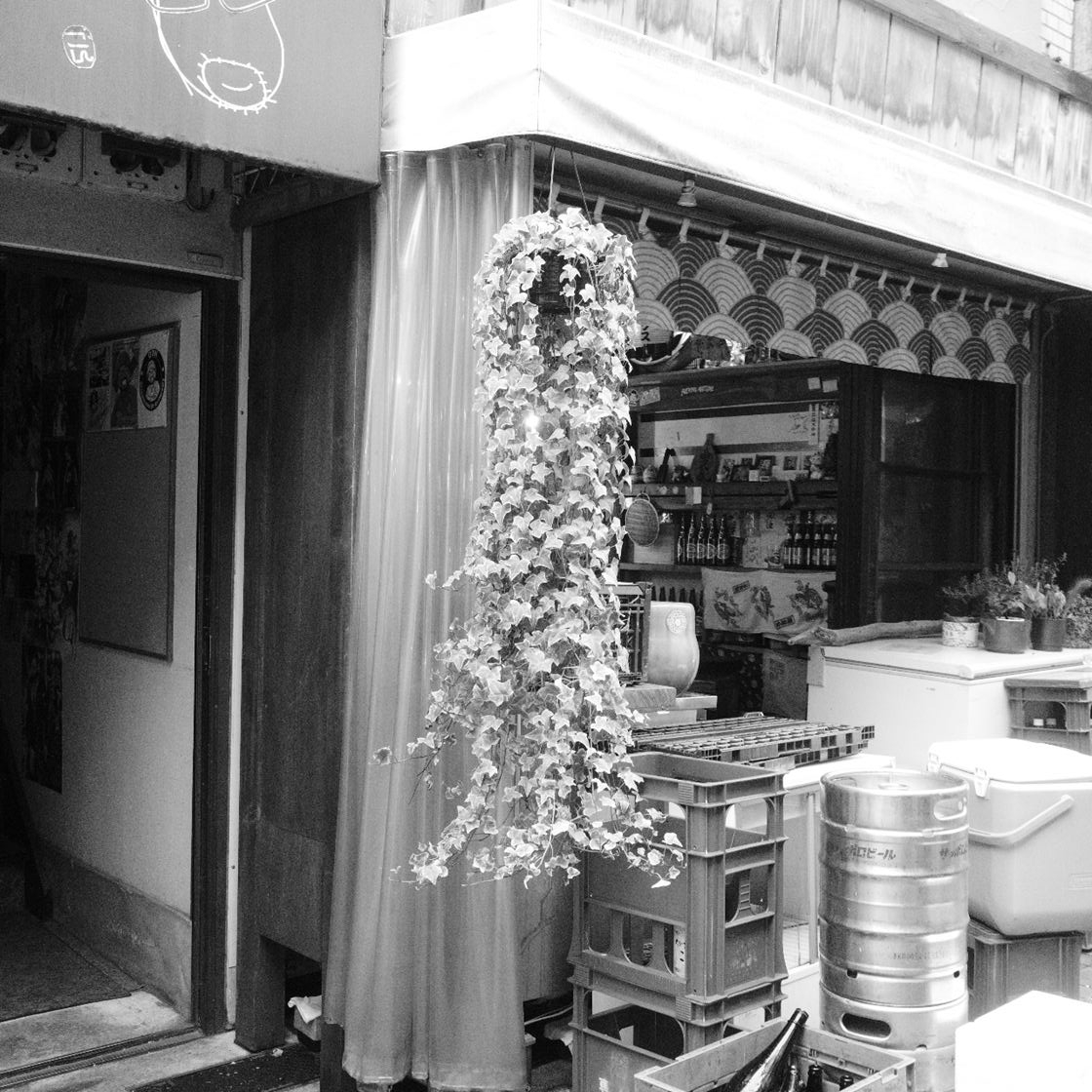
In the concept movie, we mention that we want you to use your GR until it is full of scratches. Therefore, having a single GR used for a long time is something we are extremely grateful for and happy about. However, tools will eventually break one day. Even so, the time and memories spent taking photos together with that GR are not lost. We hope you will continue to enjoy taking photos with your next GR as well.
You finish taking photos and turn off the power of the GR. The Camera End Screen appears for only a very brief moment. However, by seeing it every time you shoot, that screen also becomes part of the time spent with the GR.
Rather than leaving a milestone like the 30th anniversary only on the GR you currently use, carrying it over to the GRs you will hold in the future—to make that possible, we have created a system to manage the End Screens not just on the camera, but through RICOH GR ID and GR WORLD.
I hope this 30th Anniversary End Screen will serve you as something that connects the time you have spent shooting with the GR so far and the time you will spend shooting with the GR from now on. If you own a GR IV series camera, please give it a try.
Also, users of the GR III and GR IIIx can set this 30th Anniversary End Screen as well. Please check it out.
*For GR III and GR IIIx users, please note that the Camera End Screen will be overwritten (it cannot be reverted to the original screen).
Link to Firmware Update Page
(Okubo)